
50 AI Prompts That
Can Save You 5+ Hours
a Week
A practical collection of ready-to-use prompts for emails, meetings, planning, research, writing, and
everyday work.
Free • No Sign-Up • Instant Access
AI is fast. Figuring out what to ask isn’t always
AI tools are now part of everyday work. We use them to draft emails, prepare for meetings, organize ideas, summarize information, plan projects, and get through the small tasks that fill up a workday.
But opening an AI assistant doesn’t automatically make the work easier. You still have to explain what you need, provide the right context, decide what the output should look like, and often rewrite your request when the first answer misses the mark.
That matters because the quality of an AI response depends heavily on the instructions and context you provide. Clearer, more specific prompts generally produce more relevant results. Atlassian recommends thinking about persona, task, context, and format, while Grammarly similarly emphasizes a clear goal, audience, context, and desired output. And that’s where ready-to-use prompts can help.
Instead of figuring out how to ask from scratch, you start with a structure that already works — then customize it for the task in front of you.
01 — Emails & Communication
Spend less time writing and rewriting messages
Email is one of the easiest places to lose small amounts of time all day long.
You write a message, reread it, shorten it, adjust the tone, wonder whether it sounds too direct, then rewrite the opening again.
AI can take care of much of that first-pass work — especially when the prompt already defines the purpose, recipient, tone, and desired result.

The collection includes prompts for:
- Researching a new topic
- Summarizing long information
- Comparing different options
- Creating a first draft
- Brainstorming ideas
- Improving existing text
- Creating presentation structures
- Finding important questions you may have missed
Instead of asking AI simply to “make this email better,” you can give it a specific job: make the message shorter, preserve the important details, adjust the tone, and end with a clear next step.
02 — Meetings & Follow-Ups
Turn conversations into clear next steps
The meeting itself is rarely the only work.
Before it starts, you may need to prepare questions or create an agenda. After it ends, someone has to summarize the discussion, identify decisions, turn notes into action items, and send a follow-up.
These are repetitive tasks — and good candidates for reusable prompts.
Inside the collection, you’ll find prompts for:
- Preparing for an important meeting
- Creating a meeting agenda
- Summarizing meeting notes
- Identifying key decisions
- Creating action items
- Preparing questions before a call
- Writing a follow-up after a meeting
A structured prompt can turn a page of messy meeting notes into something much easier to act on: decisions, owners, deadlines, open questions, and next steps.

03 — Planning & Productivity
Turn an overloaded to-do list into a workable plan
Productivity problems aren’t always caused by having too much work. Sometimes the real problem is deciding what to do first.
A long task list gives every item roughly the same visual weight. AI can help turn that list into a plan by grouping related work, identifying priorities, breaking larger projects into smaller steps, and suggesting a realistic
sequence.
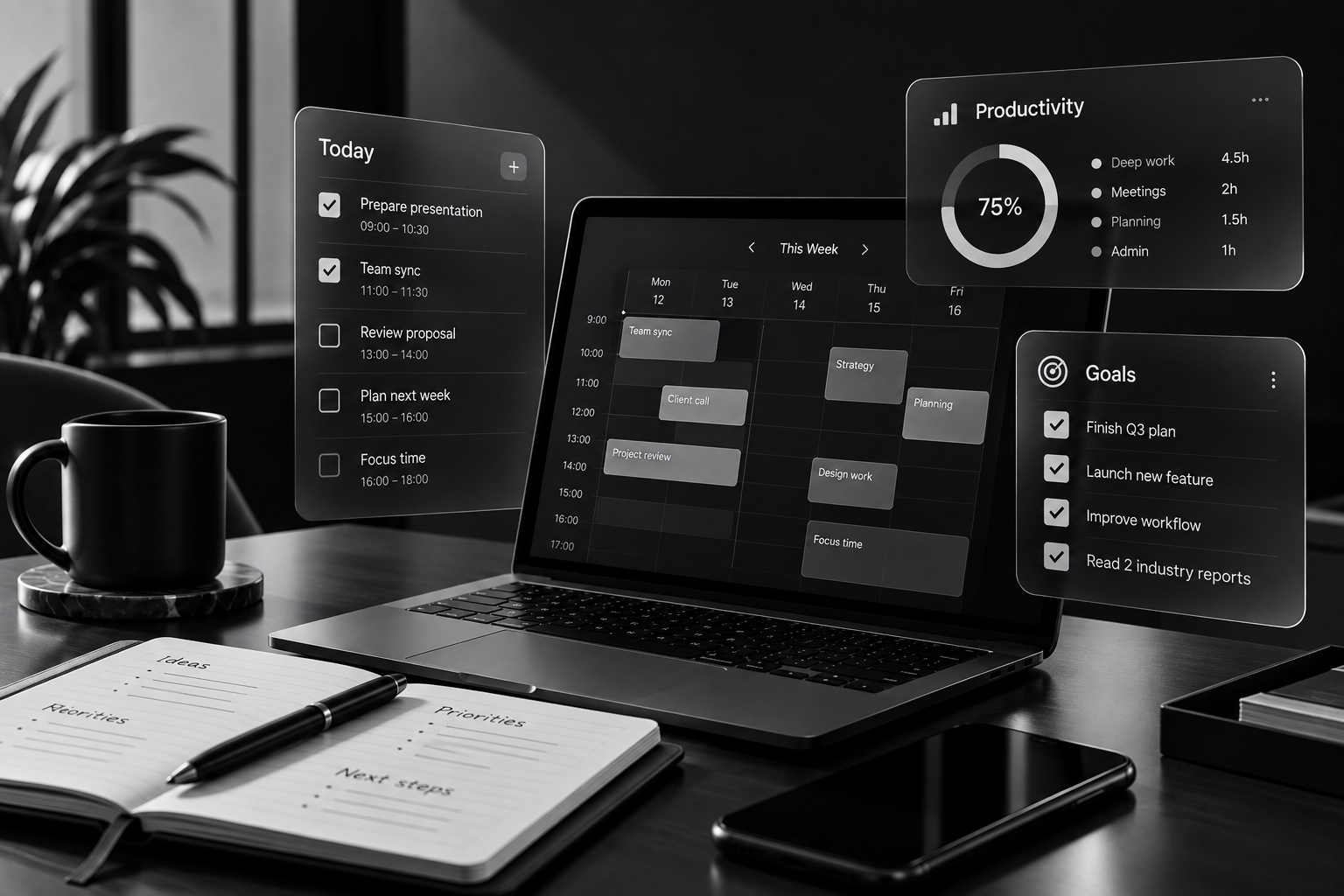
The collection includes prompts for:
- Building a daily schedule
- Planning your week
- Prioritizing tasks
- Breaking a large project into smaller steps
- Creating realistic deadlines
- Organizing an overloaded calendar
- Deciding what to delegate
- Turning goals into an action plan
The point isn’t to let AI control your calendar.
Spend less time figuring out what to ask
Start with a ready-made prompt, add your details, and adapt it to your workflow.
GET THE 50 AI PROMPTS04 — Research, Writing & Ideas
Get from a blank page to a useful starting point faster
Research and writing often have the same difficult first step: figuring out where to begin.
AI can help you explore a topic, organize information, compare alternatives, generate an outline, challenge an idea, or create a first draft you can refine.
The collection includes prompts for:
- Researching a new topic
- Summarizing long information
- Comparing different options
- Creating a first draft
- Brainstorming ideas
- Improving existing text
- Creating presentation structures
- Finding important questions you may have missed
The important distinction is that AI doesn’t need to produce the final answer to be useful. Sometimes its best role is simply getting you from nothing to something: an outline to improve, questions to investigate, alternatives to compare, or a first version to edit.
.png)
Copy. Customize. Use.
You don’t need a complicated setup or prompt-engineering experience.
The workflow is intentionally simple.
01 — Copy
Choose the prompt that most closely matches what you’re trying to accomplish.
Don’t worry if it isn’t an exact match. The template gives you a useful starting structure.
02 — Customize
Replace the placeholders with your information. Add your goal, context, audience, constraints, tone, or preferred format where relevant. More useful context generally helps the AI produce a more targeted response.
03 — Use
Paste the completed prompt into your preferred AI assistant.
Review the result, refine anything that needs changing, and continue the conversation if you need more detail.
50 AI Prompts That
Can Save You 5+ Hours
a Week
A practical collection of ready-to-use prompts designed to help you spend less time writing instructions
and more time getting work done.
Click once. Download the complete file. Start using the prompts right away.